

Core Components of a High-Performance Custom Gaming PC
Building or selecting a custom gaming PC involves a meticulous balance of components, each playing a vital role in the overall performance. Understanding these core elements is crucial for anyone looking to achieve an optimal gaming experience.
The Brains: CPU and Motherboard Synergy
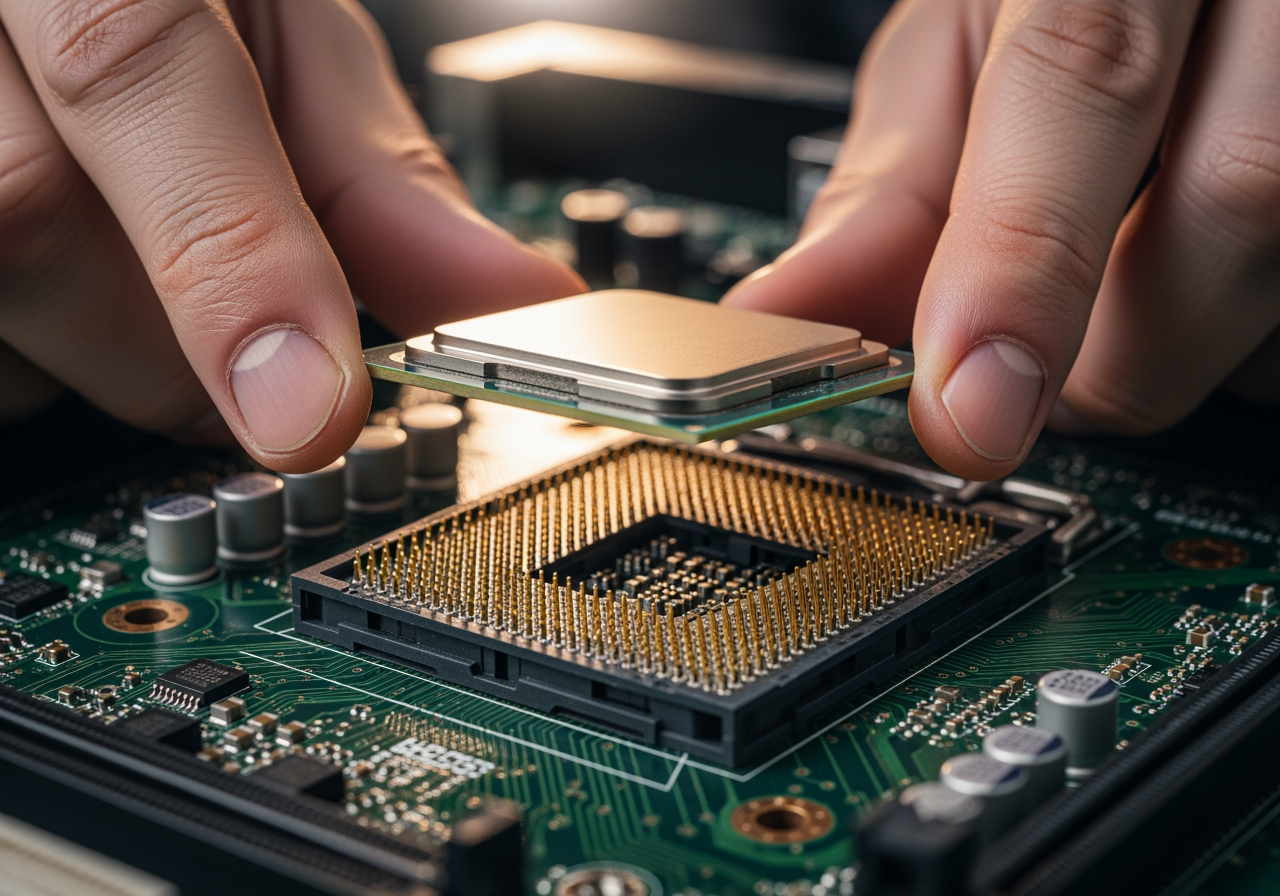
At the heart of every gaming PC lies the Central Processing Unit (CPU), often referred to as the “brain.” Its primary function is to execute instructions, process data, and manage the operations of other hardware components. For gaming, key CPU specifications include the number of cores, clock speeds, and thread count. More cores and higher clock speeds generally translate to better multitasking capabilities and smoother performance in CPU-intensive games or applications.
The motherboard acts as the central nervous system, connecting all the components and allowing them to communicate. Choosing a motherboard that is compatible with the selected CPU is paramount, as different CPUs require specific sockets and chipsets. Beyond compatibility, a good motherboard offers robust power delivery for stable overclocking, ample expansion slots for future upgrades (like additional storage or a second graphics card), and modern connectivity options such as USB 3.2 and PCIe 4.0 or 5.0. Future-proofing a gaming PC often starts with a motherboard that supports the latest technologies and offers room for growth.
The Visual Powerhouse: Choosing a Graphics Card (GPU)
While the CPU handles general processing, the Graphics Processing Unit (GPU) is the dedicated powerhouse for rendering visuals. It is arguably the most critical component for gaming performance, directly influencing frame rates, resolution capabilities, and the overall graphical fidelity of games. Key specifications to consider include the amount of Video RAM (VRAM), which stores graphical data, and the GPU’s processing power, measured by its core count and clock speed.
Modern GPUs also excel in advanced features like real-time ray tracing, which simulates realistic lighting, shadows, and reflections, and AI-driven rendering technologies that can boost performance without sacrificing visual quality. A high-end GPU ensures that games run smoothly at desired resolutions (e.g., 1080p, 1440p, 4K) and refresh rates, providing an immersive and responsive gaming experience.

Memory and Storage: The SSD Impact
Beyond the CPU and GPU, system memory (RAM) and storage solutions significantly influence a gaming PC’s responsiveness and game loading times.
RAM Capacity and Speed: Random Access Memory (RAM) acts as a short-term data storage area for the CPU. For gaming, 16GB of RAM is generally considered the sweet spot for most modern titles, allowing for smooth gameplay and multitasking. However, 32GB is becoming increasingly popular for enthusiasts, future-proofing, and those who run demanding applications alongside games. The speed of RAM, measured in MHz (e.g., DDR4-3200MHz, DDR5-6000MHz), also plays a role, as faster RAM can improve CPU performance, particularly in games sensitive to memory bandwidth.
SSD vs. HDD: The shift from traditional Hard Disk Drives (HDDs) to Solid State Drives (SSDs) has been one of the most impactful upgrades for gaming. HDDs, with their spinning platters, are significantly slower, leading to prolonged boot times, application launches, and, most notably, game loading screens. SSDs, which use flash memory, have no moving parts and offer vastly superior read and write speeds. The difference when upgrading from an HDD to any SSD for gaming is immediately noticeable and transformative.
NVMe vs. SATA SSDs for Gaming: Once the decision is made to go with an SSD, the next consideration often revolves around NVMe (Non-Volatile Memory Express) versus SATA (Serial Advanced Technology Attachment) drives.
SATA SSDs typically come in a 2.5-inch form factor and connect via the SATA 3.0 interface, offering theoretical maximum speeds around 550 MB/s. They are still a massive upgrade over HDDs and remain a cost-effective solution for many gamers, especially for secondary game storage.
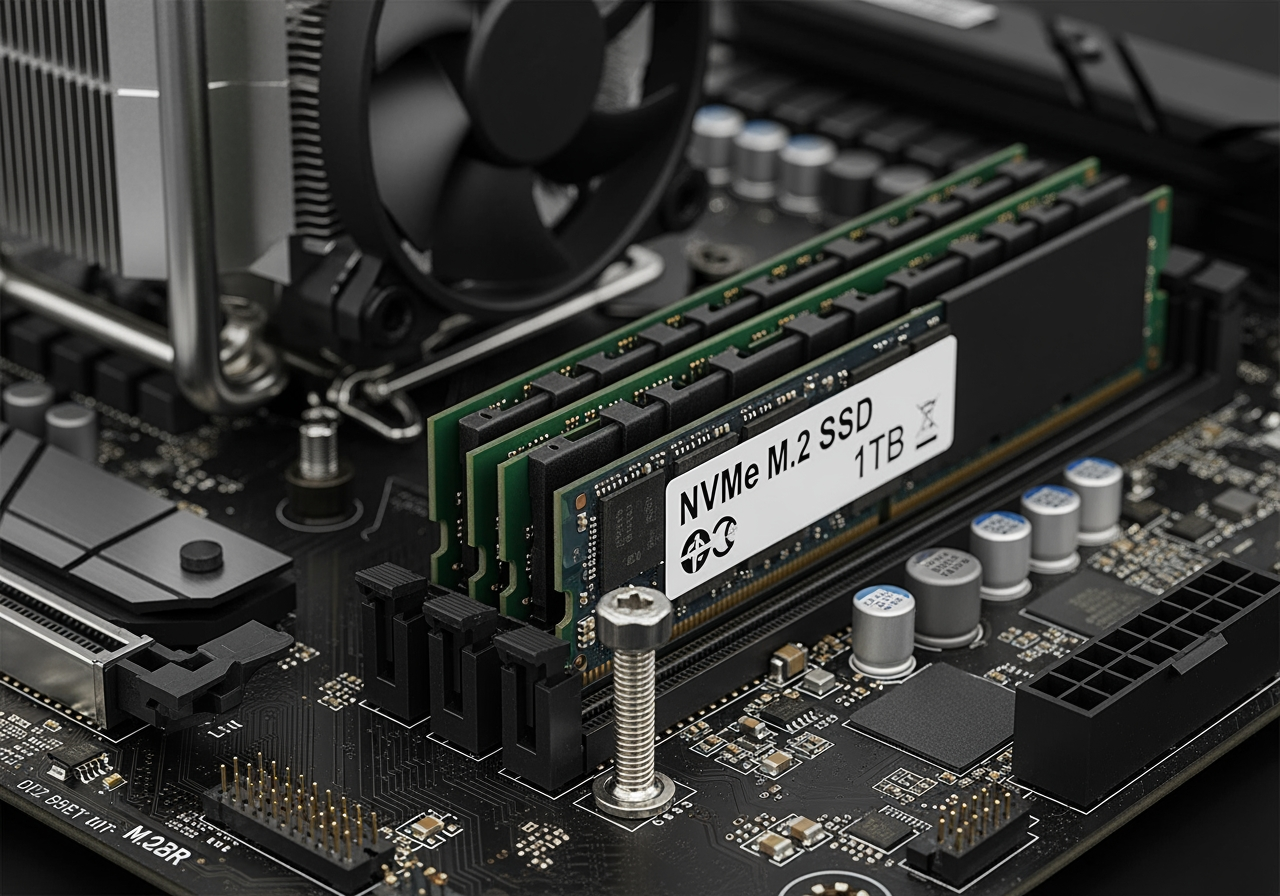
NVMe SSDs, on the other hand, use the M.2 form factor and connect directly to the motherboard via the PCIe (Peripheral Component Interconnect Express) interface. This allows them to bypass the SATA bottleneck, offering significantly higher speeds. PCIe Gen3 NVMe drives can reach speeds of 3,500 MB/s, while newer PCIe Gen4 drives can hit up to 7,000 MB/s, and the latest Gen5 drives push beyond 10,000 MB/s.
However, community discussions, particularly on platforms like Reddit, frequently highlight a key insight: for gaming load times, the real-world difference between a high-end SATA SSD and even a fast NVMe SSD is often minimal. Many users report only a difference of a second or two, if that. This is because games often involve many small, random file reads rather than large, sequential transfers, where NVMe’s peak speeds truly shine. As one Reddit user succinctly put it, “The difference between SSD and NVMe is absolutely minimal when it comes to gaming. Once a game is loaded, it’s not really any different, and the loading itself isn’t. What, 8 seconds on one vs 9 on the other? If that?”
Despite the often-negligible difference in pure loading times for most current games, NVMe SSDs do offer a more responsive overall system experience, faster boot times, and quicker application launches. They are also better positioned for future gaming technologies like Microsoft’s DirectStorage, which aims to leverage these higher speeds more effectively to stream game assets directly to the GPU.
Recommended SSD Types for Gaming:
When choosing an SSD for gaming, consider a balance of speed, capacity, and budget.
- NVMe Gen4 SSDs: These represent the current sweet spot for performance and value. They offer blazing-fast speeds that provide excellent overall system responsiveness and are ready for future gaming advancements. Popular and reliable brands in this category include Western Digital’s WDBLACK SN850X or SN770, and Samsung’s 990 Pro. The WDBLACK SN850X, for instance, boasts sequential read speeds up to 7,300 MB/s and often comes with a heatsink option for optimal thermal management during intense gaming sessions. The Samsung 990 Pro offers similar top-tier performance with built-in heat control.
- NVMe Gen3 SSDs: Still incredibly fast and a significant upgrade over SATA SSDs, Gen3 NVMe drives are often more budget-friendly. They are an excellent choice for systems that don’t support PCIe Gen4 or for gamers looking for a high-performance primary drive without the premium cost of Gen4. Examples include the Samsung 970 Evo Plus or Western Digital’s WD Blue SN580.
- SATA SSDs: While not as fast as NVMe, SATA SSDs are still a fantastic option for expanding your game library, especially for older systems or as a secondary drive where the absolute fastest loading times aren’t the top priority. They are significantly faster than HDDs and offer great value. The TEAMGROUP T-FORCE VULCAN Z 1TB SATA III Internal SSD is an example of a reliable and budget-friendly SATA option.
The trade-offs between speed, capacity, and price are central to this decision. For players with extensive game libraries, a larger capacity SATA SSD might be a better choice for bulk storage, while a smaller, faster NVMe drive handles the operating system and frequently played titles. For those seeking the ultimate performance and future-proofing, a high-capacity NVMe Gen4 drive is the ideal choice.
Power and Cooling: PSU and Chassis Considerations
The power supply unit (PSU) and cooling system are often overlooked but are fundamental to the stability and longevity of a custom gaming PC.
Power Supply Unit (PSU): The PSU delivers power to all components. Choosing the right wattage is critical; it must be sufficient to power the CPU, GPU, and all other peripherals under full load, with some headroom for future upgrades. PSU efficiency, indicated by 80 Plus ratings (Bronze, Gold, Platinum, Titanium), determines how much power is converted to usable electricity versus lost as heat. Higher efficiency means less wasted energy and often quieter operation. Additionally, modular PSUs, where unused cables can be detached, greatly aid in cable management, which in turn improves airflow within the case.
Cooling System: Maintaining optimal temperatures for the CPU and GPU is paramount for consistent performance and to prevent thermal throttling, where components reduce their speed to avoid overheating. This involves a combination of CPU coolers (air coolers or AIO liquid coolers), case fans, and effective airflow design. A well-designed cooling solution ensures that components can operate at their peak clock speeds for extended periods, crucial during long gaming sessions.
Chassis (Case): The PC case is more than just an enclosure; it’s an integral part of the cooling system and overall aesthetic. Factors like case size (e.g., ATX, Micro-ATX, Mini-ITX) dictate compatibility with motherboards and GPUs. More importantly, a good chassis features excellent airflow pathways, dust filters, and ample space for cable management. Effective cable management not only makes the build look cleaner but also prevents obstructions to airflow, contributing to better cooling performance.
Assembling Your Rig and Future-Proofing
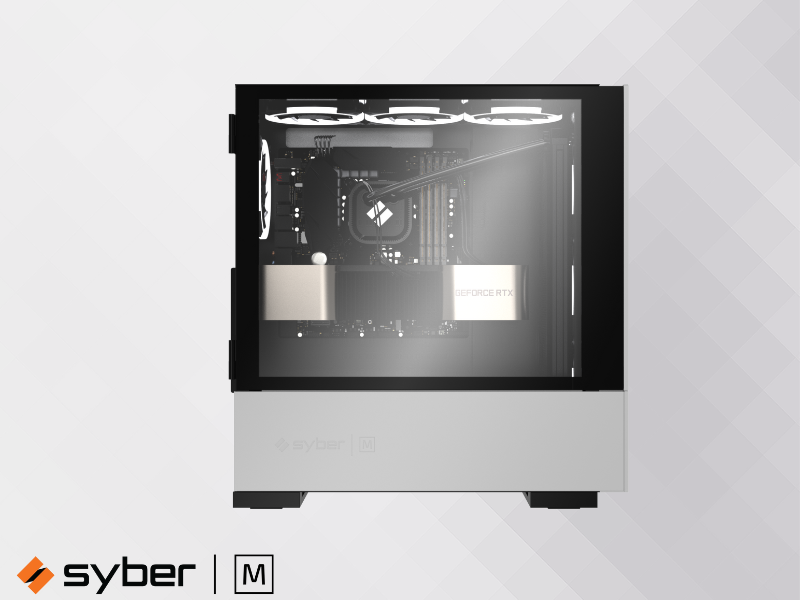
Once the individual components are understood, the next step involves bringing them together into a cohesive and high-performing system. This can be approached in two primary ways: building it yourself or opting for a pre-built custom gaming PC.
The Benefits of a Pre-Built Custom Gaming PC
While building a PC from scratch offers a unique sense of accomplishment and granular control over component selection, High-Performance Custom Gaming PCs present numerous advantages, especially for those who prioritize convenience and reliability. When you choose a reputable builder, you benefit from expert assembly, ensuring that every component is installed correctly and optimized for peak performance. This eliminates the stress and potential pitfalls of a DIY build, such as compatibility issues or installation errors.
Furthermore, pre-built systems typically come with comprehensive warranties covering the entire system, not just individual parts. This provides peace of mind, knowing that if any issue arises, dedicated technical support is available to resolve it efficiently. For gamers eager to jump straight into their favorite titles without the hassle of research, assembly, and troubleshooting, a professionally assembled machine from a trusted provider offers a seamless path to high-performance gaming. Such systems are designed with component compatibility in mind, ensuring a balanced and efficient setup right out of the box, offering a truly stress-free setup experience.
The Rise of the AI-Improved Custom Gaming PC
The landscape of PC gaming is continuously evolving, with Artificial Intelligence (AI) emerging as a significant force in enhancing performance and user experience. Modern custom gaming PCs are increasingly incorporating AI-ready components, particularly in their CPUs and GPUs, which feature dedicated AI accelerators.
These advancements enable AI-driven performance optimizations, where the system intelligently adjusts settings in real-time to maximize frame rates and maintain smooth gameplay. AI system optimization can also extend to cooling, power management, and even network traffic prioritization, ensuring that resources are allocated efficiently for the best gaming outcome. Beyond raw performance, AI is also improving visuals through advanced upscaling techniques and intelligent rendering, offering crisper images and more immersive environments without demanding excessive hardware resources. As AI continues to integrate deeper into hardware and software, the concept of an “intelligent gaming PC” that adapts and optimizes itself for every gaming scenario is becoming a reality, pushing the boundaries of what’s possible in gaming.